How to Download and Run DeepSeek Locally on My Android Phone or iPhone: Is it Safe? Can I?
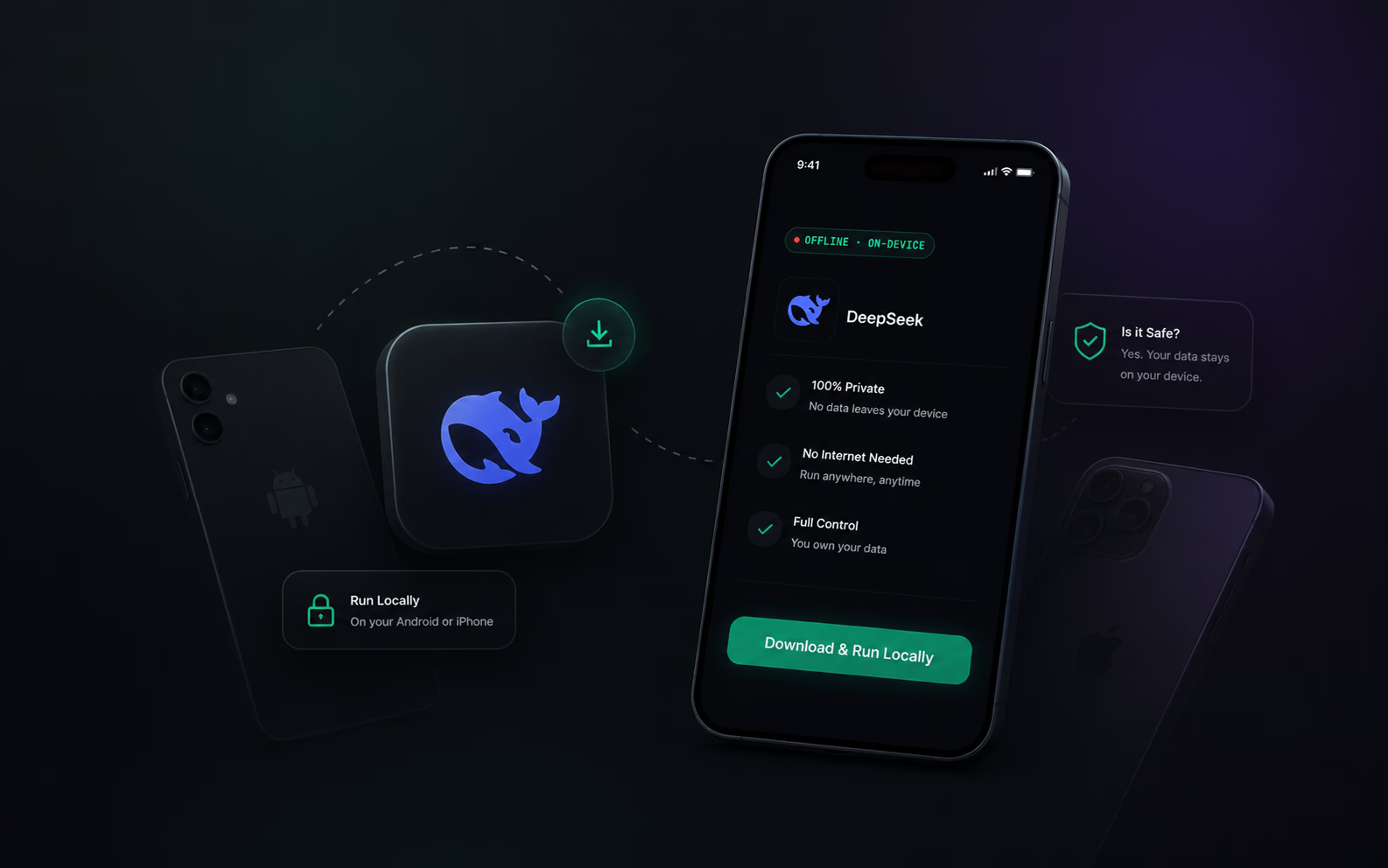
Can I run DeepSeek locally on my phone?
Yes. You can download and run highly optimized versions of DeepSeek (like the 2026 DeepSeek-R1 or highly compressed V3.2 variants) directly on your Android or iPhone. Because the model weights are stored on your device's physical storage, it works completely without an internet connection.
There are two ways to do this: the manual developer route (which requires configuring memory allocation files), or the automatic route using a zero-config app.
Is DeepSeek Safe to Run Locally?
Security and data privacy are the biggest reasons users want to know how to run DeepSeek locally. The short answer is: Yes, running it locally is the safest way to use any AI.
When you use a cloud-based AI, every prompt, email draft, or line of code you type is sent to an external server. When you download and run DeepSeek locally on your phone, zero data leaves your device.
No Cloud Tracking: Your chat history stays entirely on your physical hard drive.
Air-Gapped Security: You can turn on Airplane Mode, turn off Wi-Fi, and the AI will still generate responses flawlessly.
How to Download and Run DeepSeek Locally
If you want to get DeepSeek onto your personal device, you have to navigate the world of model quantizations and hardware limitations. Here is how the two methods compare.
Method 1: The Manual Way (For Developers)
To run advanced 2026 local models on a phone manually, you traditionally need to use open-source bridging utilities.
Download a raw GGUF file of DeepSeek-R1 from a repository like Hugging Face.
Figure out exactly how much RAM your phone has to ensure you download the correct quantization (e.g., Q4 vs Q8).
Load the model into a barebones terminal emulator or a complex power-user app.
Manually adjust complex input spinners for temperature, context length, and system prompts just to get it to speak normally.
Method 2: The Automatic Way (The OfflineGPT Method)
Mainstream users just want answers, not an engineering project. If you are on Android, you can skip the manual setup entirely.
Download OfflineGPT.
Open the app.
Start typing.
That’s it. OfflineGPT replaces the confusing dropdowns and complex input spinners with simple action buttons. Under the hood, its Auto-Detect Engine instantly reads your phone’s NPU and RAM, and seamlessly downloads the exact, optimized DeepSeek weights your device can handle smoothly.
Does it Work on Both Android and iPhone?
Yes, but the experience differs based on your hardware's operating system.
Running DeepSeek on Android:
Android devices—especially modern flagships—feature highly accessible Neural Processing Units (NPUs). Apps like OfflineGPT are built Android-first to tap directly into this hardware. This allows you to run heavy, cutting-edge edge models (including DeepSeek, Qwen 3, and Gemma 4) with desktop-grade speeds and minimal battery drain.
Running DeepSeek on iPhone:
Apple’s iOS environment is more locked down. While you can run DeepSeek locally on an iPhone using developer-focused apps, the background processing limits often mean the AI pauses if you switch to another app. If you carry both devices, Android is currently the superior platform for sustained, offline AI performance.
Take Your Intelligence Offline Today
You don't need a constant data connection or a $20 monthly subscription to access world-class AI. Whether you are coding on a flight, translating a menu with no cell service, or just protecting your private data, running DeepSeek locally is the ultimate solution.
Just like ChatGPT but works completely offline on your phone without internet!
OfflineGPT is a free local AI LLM runner for Android and iOS that automatically detects your phone's hardware and downloads the perfect models from Google, Facebook, DeepSeek and more for you.
Download the App