How to Download and Run DeepSeek Locally on Your Android Phone: Complete Offline Guide
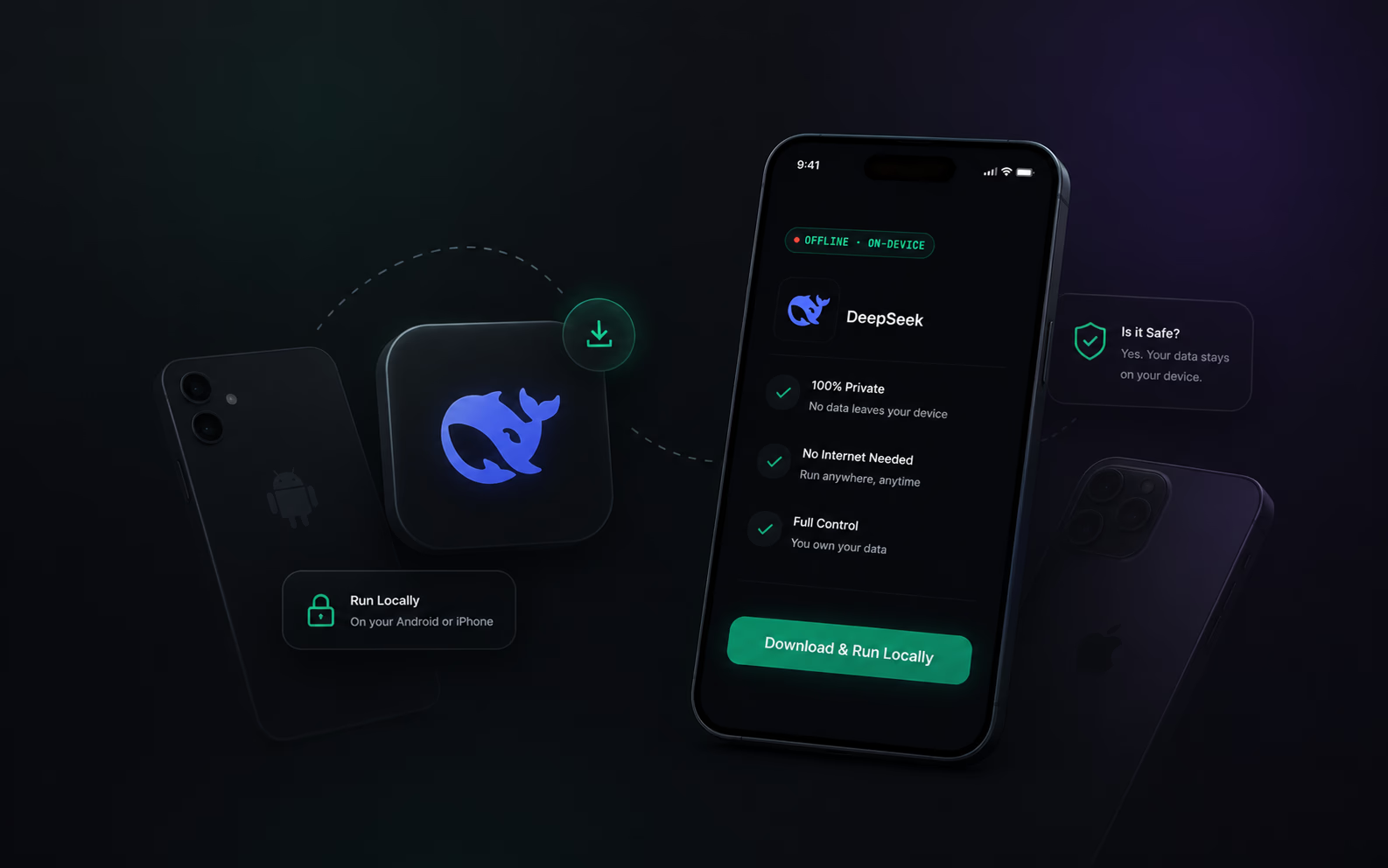
The release of DeepSeek R1 and its distilled open-weights models changed everything for mobile artificial intelligence. DeepSeek's reasoning architecture delivers math, coding, and logical problem-solving performance that rivals massive cloud clusters. Until recently, harnessing this capability required high-end desktop GPUs or expensive server rentals. Today, advances in quantization and mobile runtimes make it possible to run these reasoning models directly on your Android phone, entirely offline.
Whether you are working on a transatlantic flight at 35,000 feet, operating in a remote field location with zero cell service, or safeguarding confidential notes, running DeepSeek locally gives you instant responses with zero latency and total data privacy. This guide walks through the mechanics of mobile model execution, hardware requirements, and how to get started in seconds.
Why Run DeepSeek Locally on Your Phone?
Cloud-based AI assistants require a constant internet connection, sending every prompt and document to remote server farms. This creates significant vulnerabilities and operational limits:
- Zero Signal Vulnerability: If you are hiking in the wilderness, traveling internationally without a local SIM card, or flying above the clouds, cloud AI becomes completely inaccessible.
- Data Privacy Risks: Proprietary cloud services log your prompts for training and telemetry. Sensitive corporate notes, personal journals, or proprietary code snippets are exposed to third-party servers.
- Latency and Bandwidth Costs: Cloud round-trips introduce noticeable delay, and roaming data fees can accumulate rapidly during travel.
By executing DeepSeek locally on your device hardware, your data never leaves your phone storage. Processing happens entirely on-device using local CPU, GPU, and RAM resources.
Understanding DeepSeek Models and GGUF Quantization
Running a large language model on a smartphone requires significant file compression. Raw neural network weights are enormous. To make them fit into mobile memory, developers use GGUF models, a unified file format designed for efficient CPU and GPU inference on consumer hardware.
Quantization reduces the precision of model weights from 16-bit floating-point numbers down to lower bit-widths like 4-bit or 8-bit integers. This reduction shrinks file size by up to 75% while retaining over 95% of the model's reasoning capabilities.
Key Quantization Tiers for Mobile Devices
- Q4_K_M (4-bit Medium): The gold standard for mobile devices. It offers the best balance between small file size and preserved reasoning logic, fitting comfortably into 8GB RAM phones.
- Q5_K_M (5-bit Medium): Slightly higher fidelity for complex coding and math tasks, requiring devices with 12GB RAM.
- Q8_0 (8-bit): Near lossless quality, but demands high-end flagship hardware with 16GB RAM to prevent memory thrashing.
For a deeper dive into file architectures, read our guide on what are GGUF models.
Android Hardware Requirements for DeepSeek
Mobile LLM execution relies heavily on unified memory (RAM) and memory bandwidth rather than raw clock speed. Because the entire model must reside in active memory during inference, your phone specs dictate which model size you can run.
- Minimum RAM (6GB): Supports ultra-distilled 1.5B or 3B parameter models. Excellent for quick text summarization and basic drafting.
- Recommended RAM (8GB to 12GB): Supports 7B and 8B distilled DeepSeek R1 models (like DeepSeek-R1-Distill-Qwen-7B). This tier delivers true reasoning capabilities for coding, math, and complex analysis.
- Enthusiast Tier (16GB+): Allows running higher quantization tiers and larger parameter sets smoothly.
Processor architecture also matters. Modern chipsets with dedicated Neural Processing Units (NPUs), ARM NEON vector instructions, and Vulkan GPU acceleration (such as Qualcomm Snapdragon 8-series or MediaTek Dimensity flagship processors) execute token generation significantly faster.
The Traditional Method vs. The Zero-Setup Way
In the past, running local AI on Android was frustrating. Users had to manually scour Hugging Face for GGUF files, download multi-gigabyte files using unstable mobile browsers, manually configure context windows, and adjust memory allocation sliders in clunky developer tools.
If a configuration parameter was incorrect, the app would crash with out-of-memory errors.
Offline AI for Android has evolved past manual configuration. Modern applications eliminate file management friction entirely through automated hardware detection.
How to Run DeepSeek Locally with OfflineGPT
OfflineGPT eliminates manual GGUF hunting and configuration. When you launch the application, its Auto-Detect Engine benchmarks your phone hardware, assesses available RAM and storage, and automatically configures the optimal DeepSeek model variant for your device.
Here is how to get started in three simple steps:
- Download and Install: Get the app directly from Google Play.
- Automatic Hardware Benchmark: Open the app. The system evaluates your processor, GPU, and available memory in under three seconds.
- Chat Completely Offline: Turn on airplane mode and begin prompting DeepSeek immediately with zero internet dependency.
For a detailed comparison of mobile apps, check our review of the best offline AI apps for Android.
Frequently Asked Questions
Does running DeepSeek offline drain my battery quickly?
Inference utilizes your phone processor and GPU intensively during generation. While continuous prompting uses battery power comparable to 3D mobile gaming, standby battery drain is zero because the model unloads when inactive.
Can I use DeepSeek offline while traveling internationally?
Yes. Because all model weights are stored locally on your device storage, you do not need cellular data, Wi-Fi, or roaming enabled to query the model.
Is my data sent to any cloud server?
No. All calculations occur inside your device memory sandbox. No telemetry, prompt logs, or chat histories leave your phone.
Ready to Run AI Without Internet?
Experience true data privacy and zero-signal capability on your smartphone today.
Get OfflineGPT on Google PlayJust like ChatGPT but works completely offline on your phone without internet!
OfflineGPT is a free local AI LLM runner for Android and iOS that automatically detects your phone's hardware and downloads the perfect models from Google, Facebook, DeepSeek and more for you.
Download the App