How to Run ChatGPT Locally Without Internet: Can You Use an Offline Local AI?
[The Direct Replacement] The ChatGPT experience in your pocket, completely off-grid.
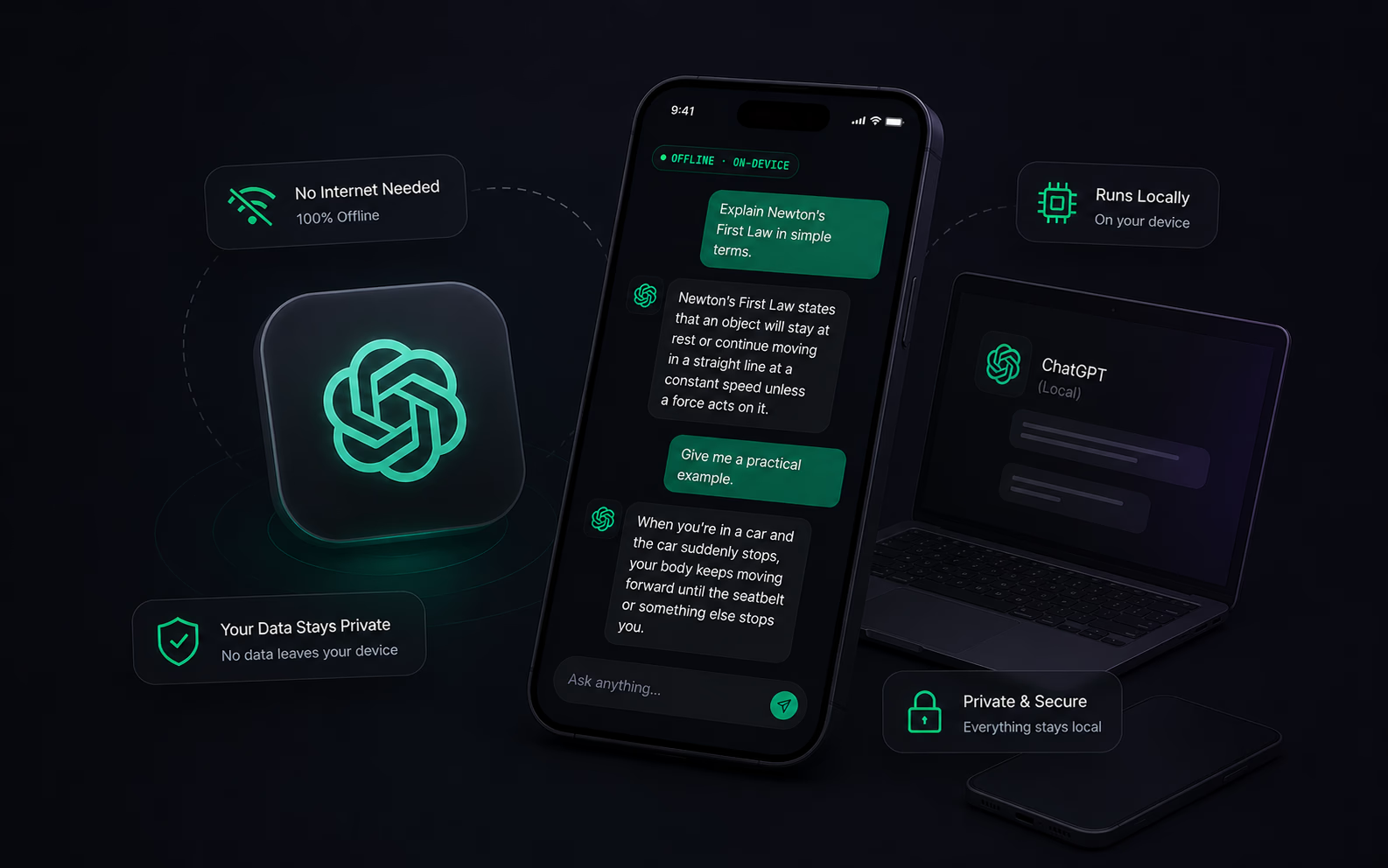
The Core Reality
Does standard ChatGPT work without the internet?
No. Standard cloud AI requires a constant internet connection to send your prompts to a remote server. The moment you lose cell service or turn on Airplane Mode, it stops working.
The Solution: Local Offline ChatGPT Alternative
You can run a local offline ChatGPT alternative. By downloading OfflineGPT, the actual 'brain' of the AI (using cutting-edge 2026 models like Gemma 4 and Qwen 3) is stored directly on your phone's physical memory. It works anywhere, anytime.
Why OfflineGPT is the Ultimate Alternative
Smarter. Faster. 100% Private.
Unbreakable Privacy
When you use an offline AI, zero data leaves your device. Perfect for drafting sensitive business emails or asking private questions.
Zero Setup Required
Forget about technical jargon, terminal commands, or complicated settings. OfflineGPT features a highly accessible interface with simple action buttons—no confusing input spinners. It auto-detects your phone’s NPU and RAM to run flawlessly.
Instant Generation Speed
Cloud AI makes you wait in server queues. Because OfflineGPT runs on your phone's local processor, the words start appearing the exact millisecond you hit send.
How an offline local AI compares to the cloud
| Feature | OfflineGPT | Standard Cloud AI |
|---|---|---|
| Works Offline | ✓ | ✓ |
| Data Privacy | ✓ | ✓ |
| Setup Time | ✓ | ✓ |
| Pricing | ✓ | ✓ |
Why Choose OfflineGPT Pro
No ads, no tracking, ever.
Your privacy is paramount. We never collect or transmit your data.
- Complete data control
- Anonymous usage
- No surveillance
Lifetime updates for the latest mobile AI models.
Stay ahead of the curve with continuous improvements and access to the newest AI advancements.
- Future-proof AI
- New model integrations
- Enhanced performance